
Domestic
Commercial

Thermostats, lighting, video doorbells and whole-home systems: chosen sensibly, installed invisibly, and set up working on your phone before we leave.
Smart home technology has crossed the line from gadgetry to genuinely useful: heating that stops warming an empty house, lighting that welcomes you home, a doorbell that shows you the courier from your desk. The catch is installation: half-done smart homes with dead switches and abandoned apps are common. We install systems that your whole household actually uses, on wiring done properly behind the scenes.
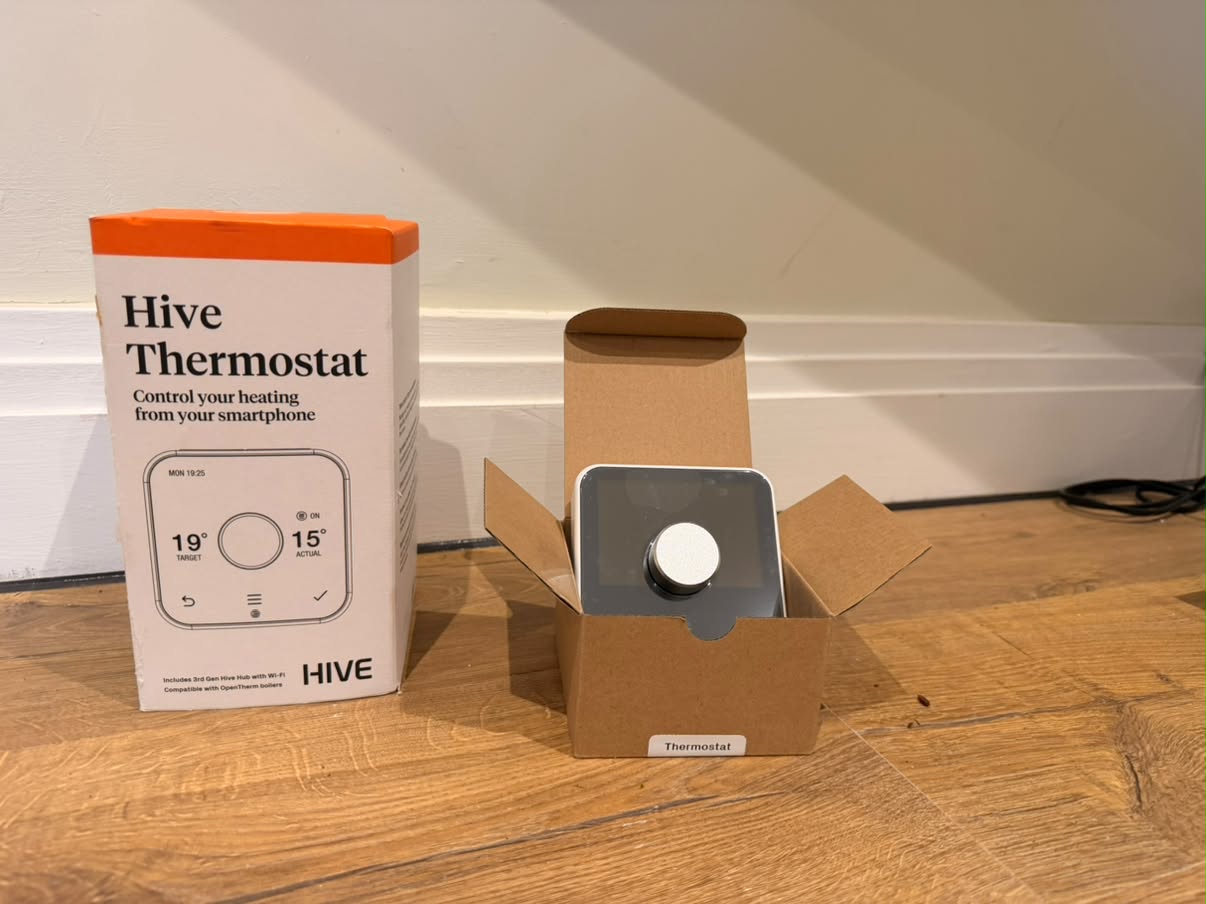
Fitted correctly to your boiler and wiring (the step DIY guides gloss over), configured with schedules that match your life, and typically saving enough heating cost to repay themselves within a couple of winters.
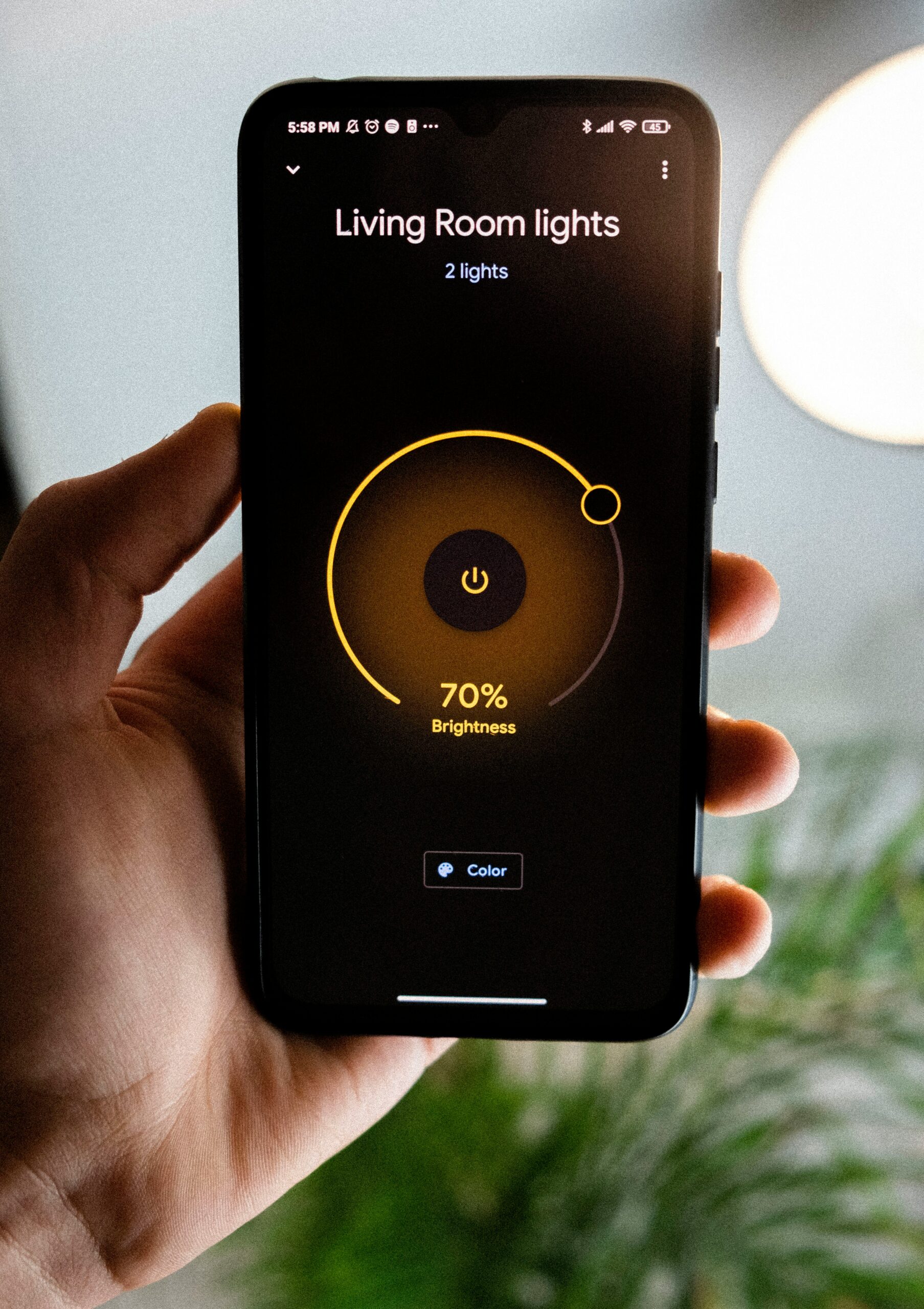
Beyond smart bulbs: wired smart switches and dimmers that work as normal switches for guests and grandparents, with scenes and schedules layered on top. Lighting that’s smart *and* dependable.
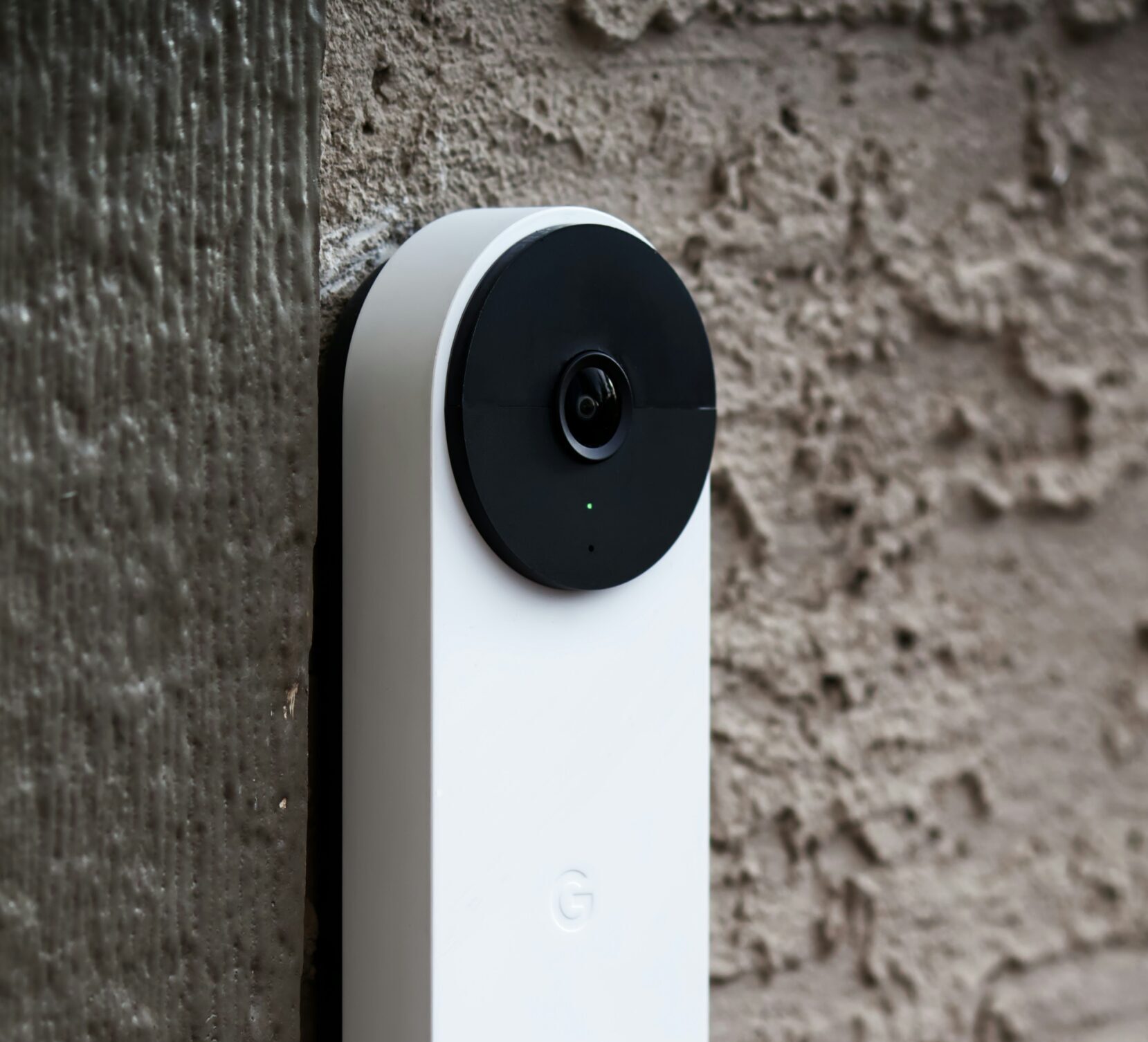
Ring, Google Nest and similar: wired-in properly for reliable power rather than battery-nagging, positioned for a useful field of view, connected and tested.
Renovating? First fix is the moment to add neutral-at-switch wiring, spare ways and cabling routes that make every future smart addition trivial. We plan it with you: it costs almost nothing at build stage.

Most “smart device won’t work” stories end at wiring: no neutral at the switch, incompatible dimming, a doorbell transformer from 1988. We solve the electrical layer first, so the clever layer just works, it’s all certified where regulations require.
Almost all combi and system boilers, including older ones, with the right receiver. Tell us your boiler model and we’ll confirm before you buy anything.
Often, no-neutral switch options and clever workarounds cover most homes, and where a wire genuinely must be added, it’s usually one, not a rewire.
Whichever your household already talks to. We’re brand-agnostic and configure any of them; consistency matters more than the badge.
Yes. Heating, lighting, doorbell and more under one app/voice setup is precisely what we set up and hand over working.